
How to Optimize Your Residential Broadband in Sheffield for Better Performance
SF
Understanding Your Current Broadband Situation
When it comes to enhancing your residential broadband performance in Sheffield, the first step is understanding your current setup. This includes knowing the speed of your internet package, the type of connection you have, and how your network is configured. Utilize online speed tests to measure your current download and upload speeds and compare them to what your provider promises.
It's crucial to recognize the factors that might affect your internet speed, such as the number of connected devices, the age of your router, and even the layout of your home. These insights will serve as a foundation for making informed decisions to optimize your broadband.

Optimizing Your Router Placement
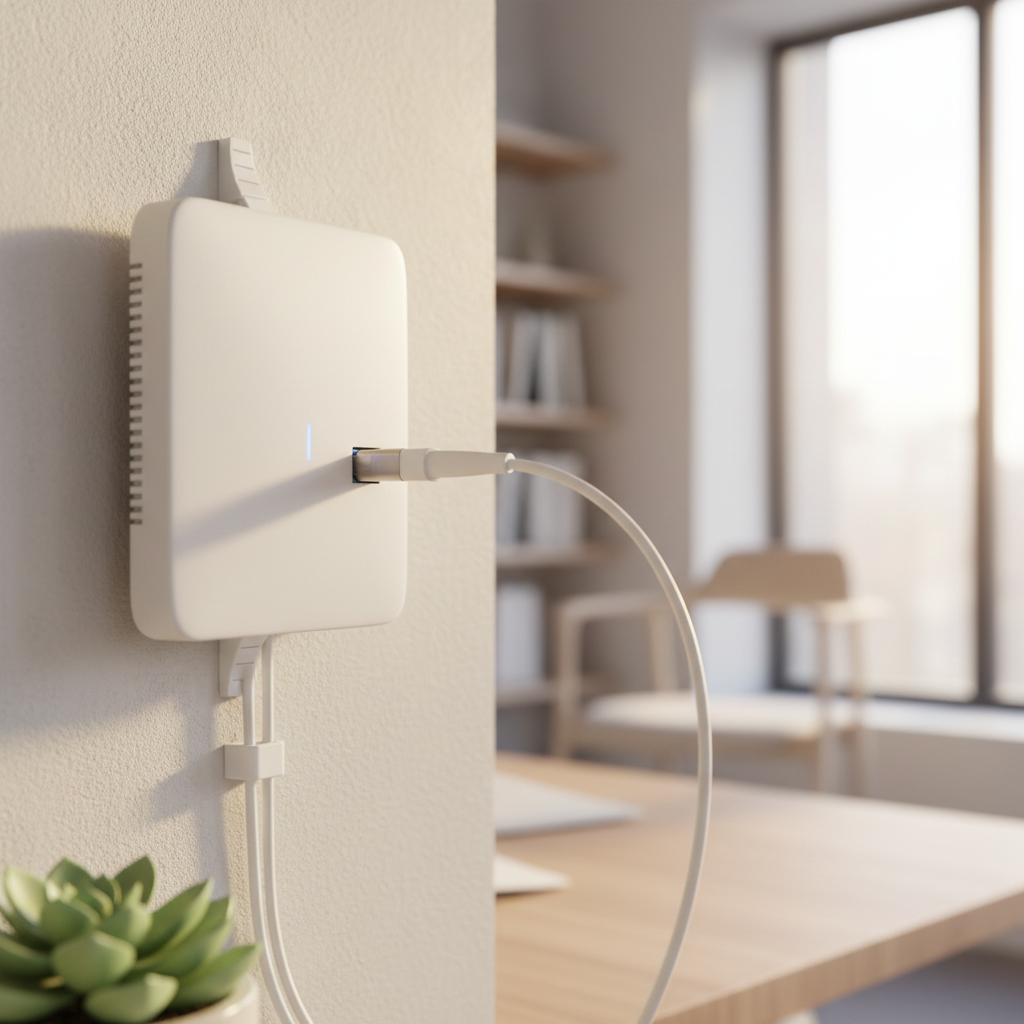
The placement of your router plays a significant role in determining your broadband performance. Ideally, your router should be placed in a central location within your home to ensure even distribution of the Wi-Fi signal. Avoid placing it near thick walls, metal objects, or electronic devices that can cause interference.
Consider elevating your router off the ground and avoiding enclosed spaces like cabinets. If repositioning doesn’t help, you might need to invest in Wi-Fi extenders to boost the signal in areas with weak connectivity.
Securing Your Network
Ensuring the security of your network is not only essential for protecting your data but also for maintaining optimal performance. An unsecured network can lead to unauthorized users accessing your bandwidth, which can slow down your connection.
Change the default login credentials of your router and use a strong password. Enabling WPA3 encryption is also recommended for enhanced security. Regularly updating your router's firmware can also patch vulnerabilities that could be exploited.

Managing Connected Devices
Overloading your network with too many devices can degrade performance significantly. Identify all devices connected to your network and disconnect those that are not in use. This not only frees up bandwidth but also improves overall speed.
You can prioritize devices that require more bandwidth, such as those used for streaming or gaming, through your router's Quality of Service (QoS) settings. This ensures that these devices get the necessary bandwidth for optimal performance.
Exploring Advanced Options
For those seeking further optimization, consider upgrading your hardware. A modern router with dual-band or tri-band capabilities can handle more devices and provide better speed. Additionally, switching to a wired connection for devices like PCs or gaming consoles can drastically improve speed and reliability.
Finally, explore different broadband plans and providers in Sheffield. Sometimes, your current package may not be the best fit for your needs, and switching providers could offer better speeds and deals.